Getting started
Three steps from sign-up to a full picture of your wealth — about ten minutes total.
2 min read
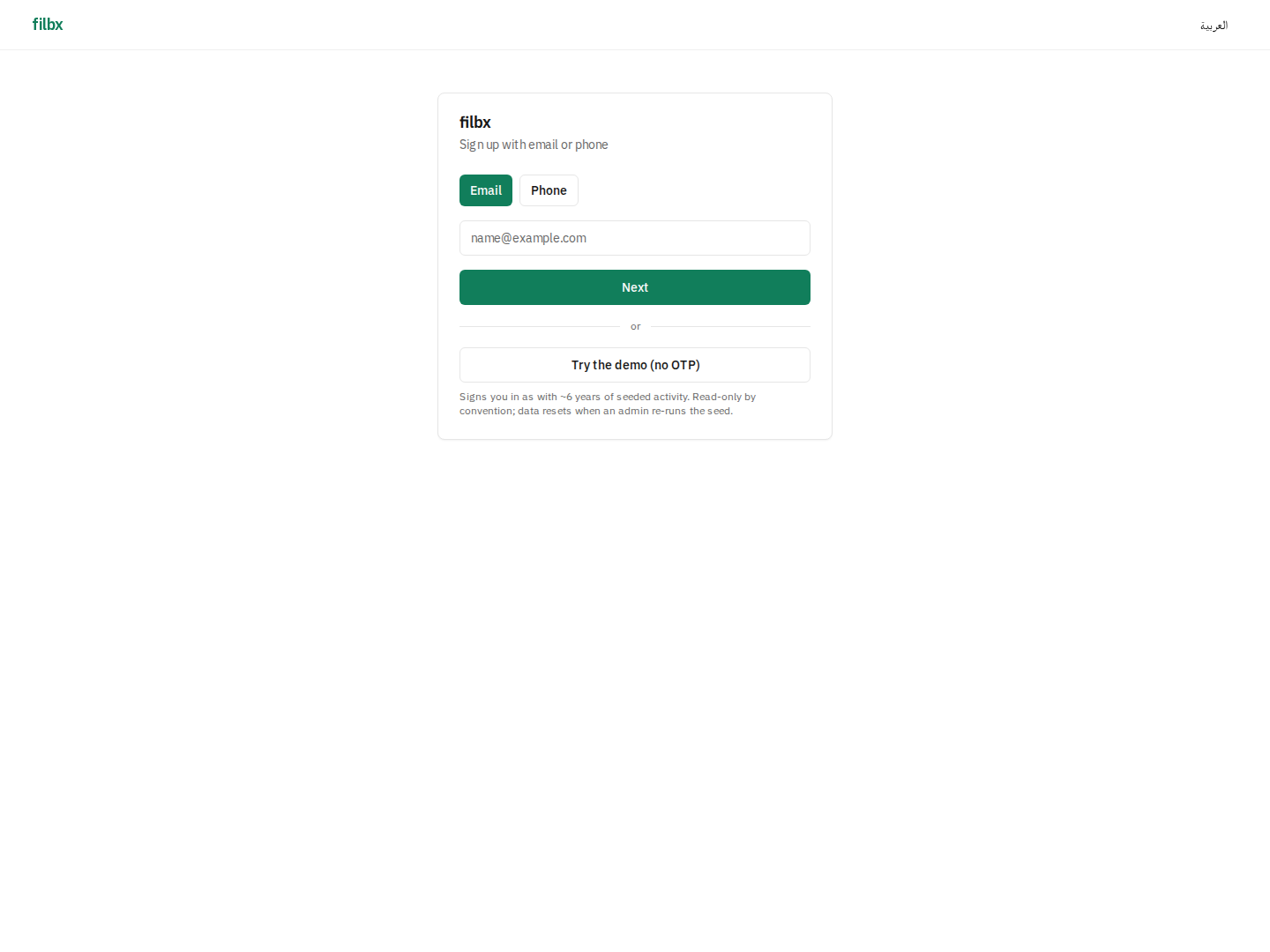
1. Sign up
Open /signup, enter an email or phone number, and you'll get a six-digit one-time code. Verify and you're in. No password, no card, no bank link required. Sessions remember the device for 30 days by default.
2. Onboarding wizard
First sign-in routes you through seven optional steps: profile (country, currency, calendar), cash accounts, debts, properties, holdings, gold lots, and a review. Each list step accepts as many or as few entries as you have — empty is fine.
3. Dashboard
After submitting the wizard you land on the dashboard. Net worth shows the sum of everything you entered; the upcoming-payments task list shows the next 45 days. From here every section in the mega menu is wired up.
Tip: open Settings → Profile to switch between Gregorian and Hijri calendars, change your fiscal year start, or pick a different base currency. Everything reformats on the next page load.