Billing & Premium
filbx is free for the basics. Premium unlocks longer forecasts, more bank links, live price feeds, and scheduled reports.
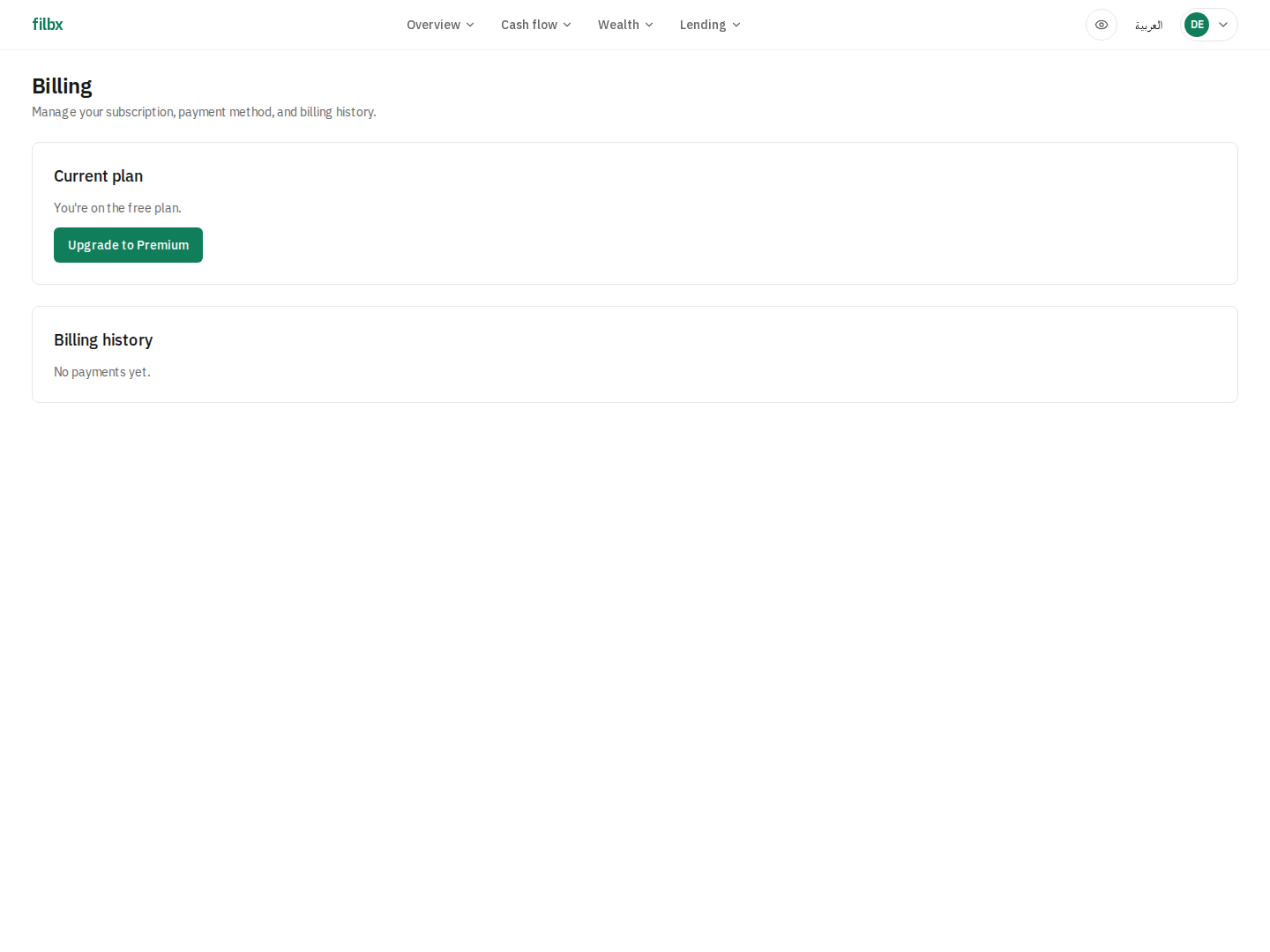
Upgrade
Open Settings → Billing or the avatar menu → Billing & subscription, then click Upgrade to Premium. The checkout page lets you pick monthly or yearly, choose Stripe or PayPal, and apply a coupon code.
Coupons
Enter the code in the Coupon section and the savings preview shows instantly. A 100% coupon skips the payment provider entirely — Premium activates immediately with no card on file. Anything less than 100% still goes through Stripe or PayPal.
Cancel + resume
Cancel at period end from the billing page — Premium stays active until the renewal date, then drops to free. Before the renewal date you can Resume to keep going. After the renewal date the subscription is fully canceled; sign up again to restart.
Refunds
Refund requests within 30 days of the original charge are processed automatically. Older receipts can only be refunded through the provider's dashboard — contact us if that comes up.